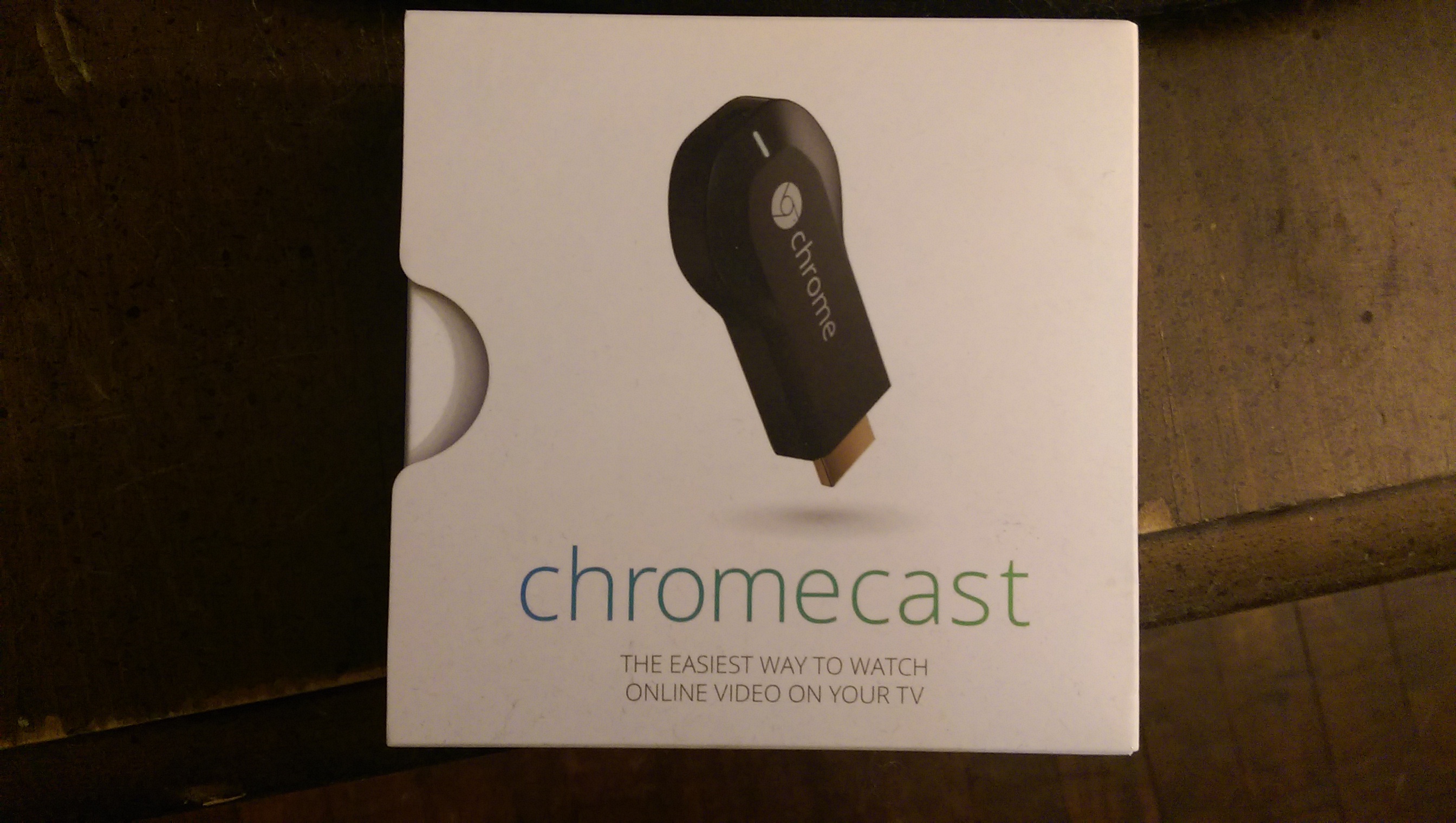
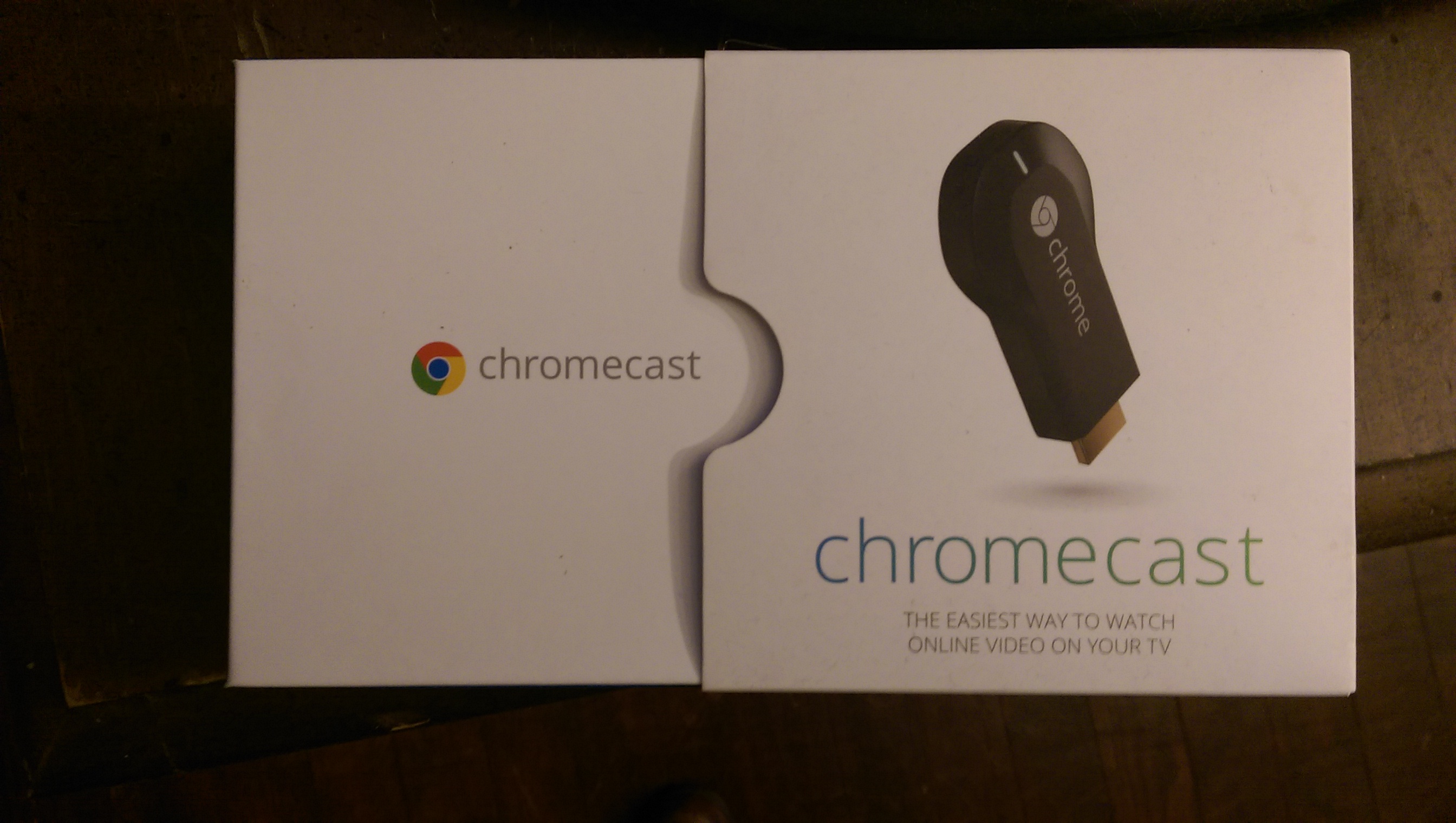
When Google released the Chromecast device, in July of 2013, this fairly tiny dongle amazed some and confused many others. Those of us who were already familiar with similar tools like the Roku, immediately had a strong understanding of how useful this little beauty was going to be. Google describes it as a “…a thumb-sized media streaming device that plugs into the HDMI port in your TV.” Chromecast also requires an active local wireless network to function.
On initial release, there were a handful of decent apps and/or services that were compatible. You had some big names, like Netflix, YouTube and Pandora, a few streaming services for sports enthusiasts, and not much else.
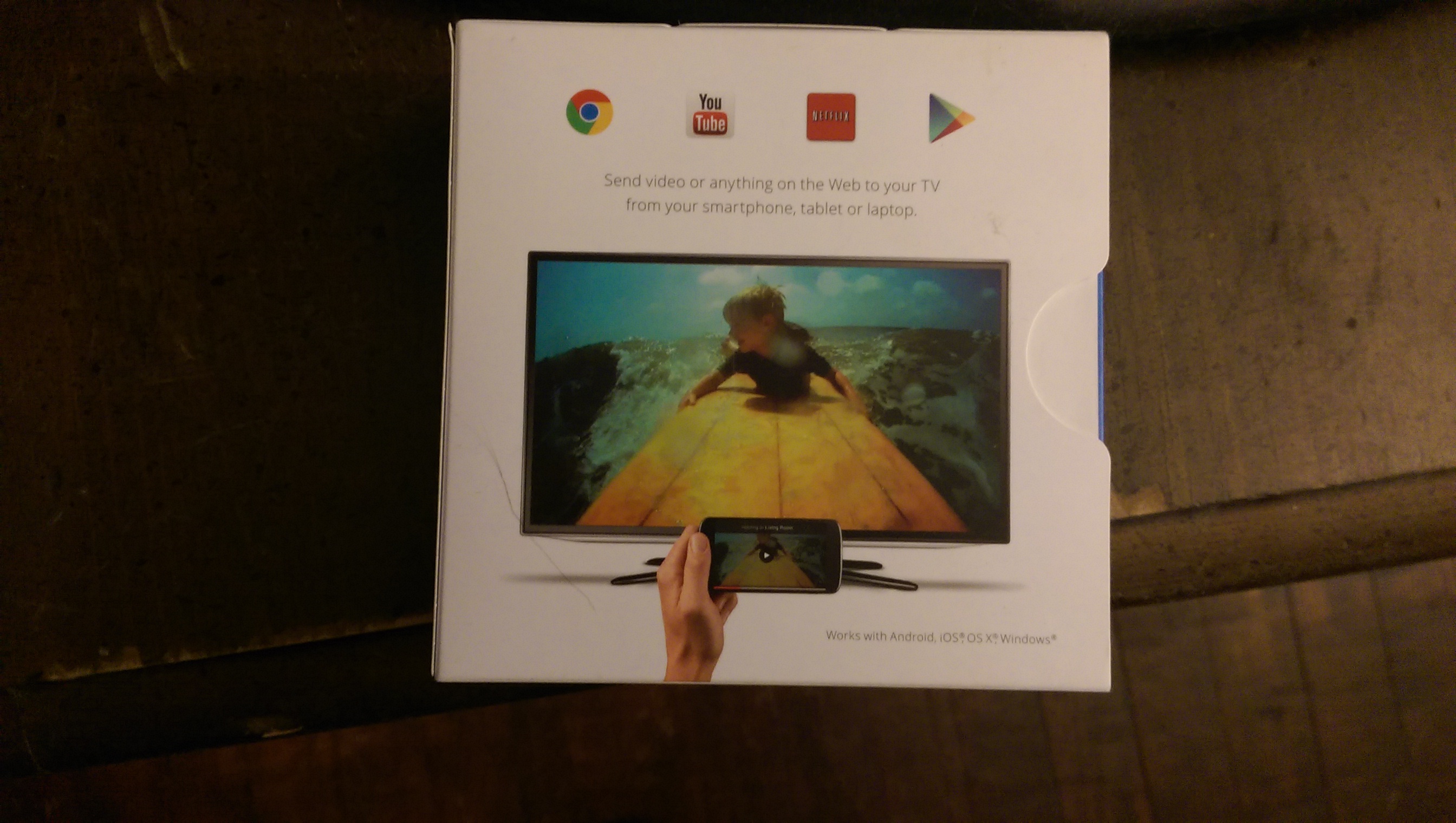
Fast-forward a few months and the number apps you could use with your Chromecast had expanded exponentially. Currently, they have more than 100 different apps you can use to stream all kinds of media from your computer, tablet, or phone (Android or iOS). The current compatible operating systems are: Android 2.3+, iOS 6.0+, Mac OS 10.7+, Windows 7+ or Chrome OS for Chromebooks.
I got mine as a Christmas gift in 2013. I had been talking about its perks and capabilities to all of my friends who would listen. The fact that it’s main function was to act as a corridor, a mediator for media was fantastic! I could already see how this device would be useful. Have a video on your phone that you want to play on your TV? Done! Want to connect your home computer’s extensive media library to your living room? Done! Have an extensive media library on your home computer that you want to be able to watch in your living room? Done! Want to put the screen of your device onto your TV in real time? Done! Google even has Chromecast interactive games, now available on the App Store for both single and multi-player. On top of all this, Google released the SDK (Software Development Kit) publicly, so anyone with some programing skill can now create new applications that will work with Chromecast.
Okay, so I realize at this point I sound like an ad campaign, but it’s unavoidable when I’m dealing with features this cool.
I will say that since my Chromecast was plugged into the living room TV, rarely a day has gone by that it’s not used. As I am writing this article, I have Google Music Yasunori Mitsuda playing from my TV as background music.
Another of its great features which I truly love is when it’s not actively in use, it turns your TV into a large ‘screen-saver’. You can go under your Chromecast’s options on your phone and set it to show you a variety of images taken by photographers all over the world. It also provides you with a simple, visible clock. So, if you don’t mind having your TV on all day, it will provide you with the time of day and an ever changing selection of breathtaking images. I can also say it’s rare to see the same image in a week’s time. Heck, I don’t think I’ve seen any duplicates in the past several months.
However, the main use our Chromecast gets is either streaming Netflix or streaming media from our personal Plex server, another wonderful service that I may write about at a later date.
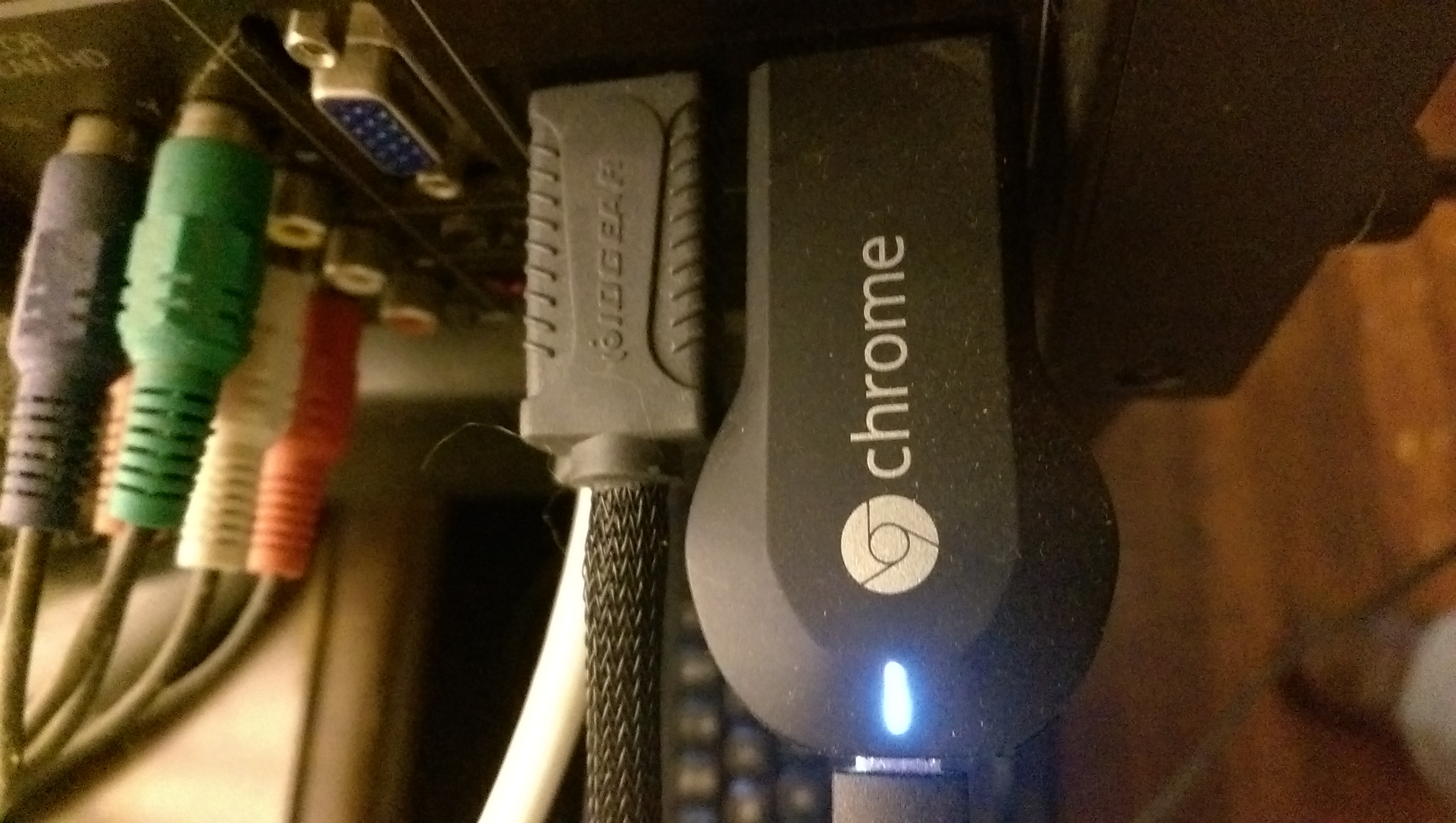
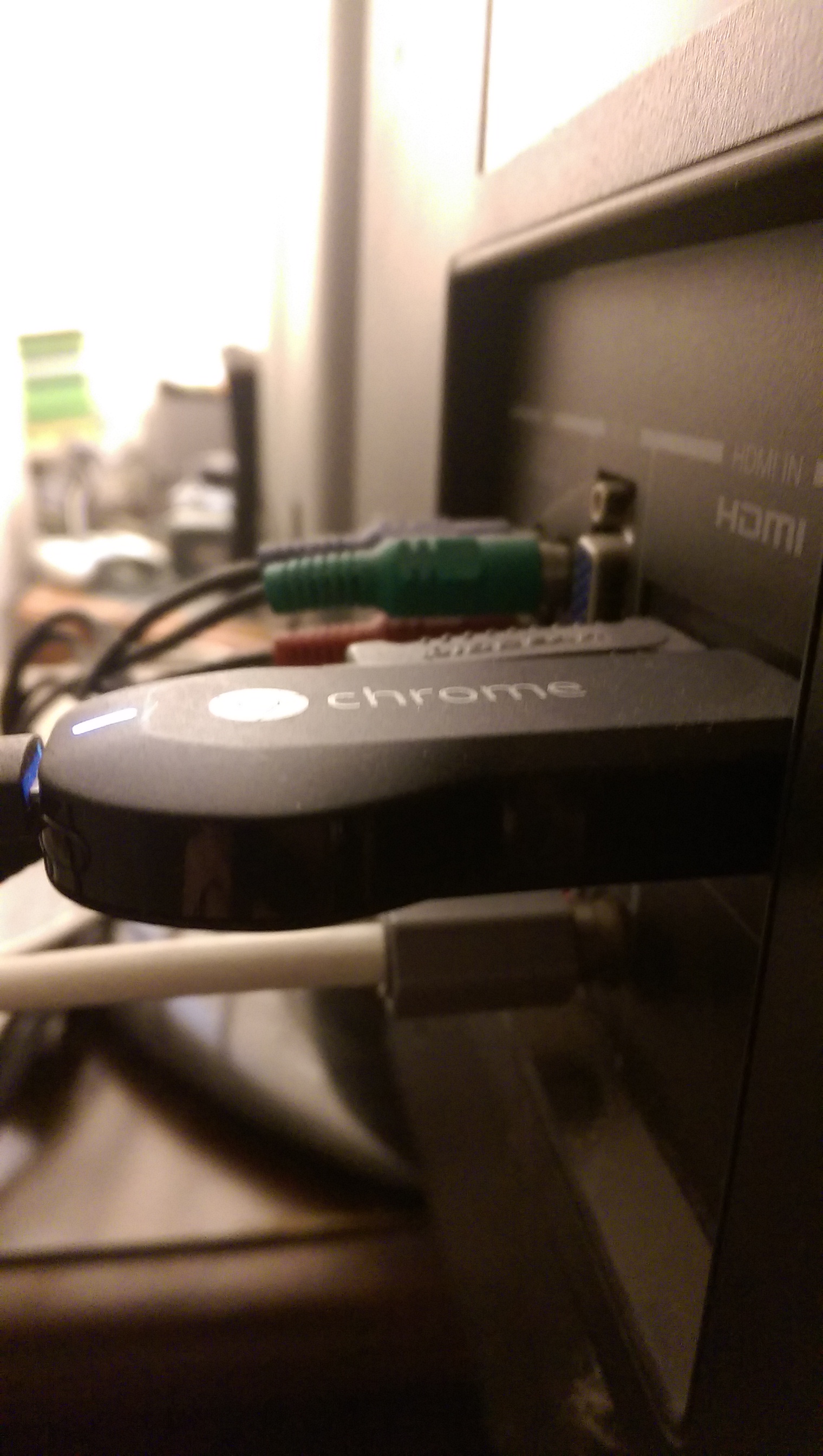
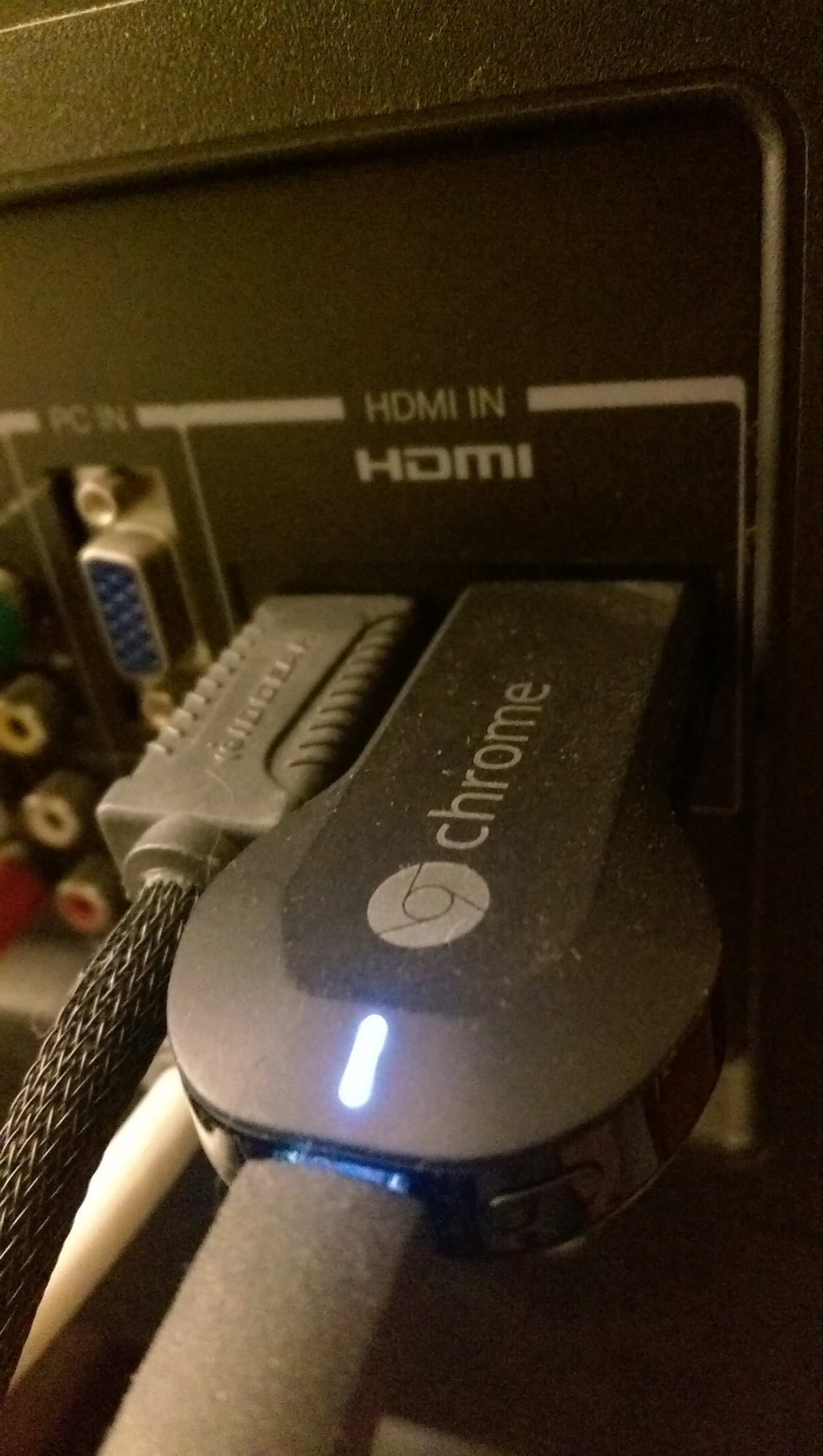
Netflix’s partnership with Google’s Chromecast is marvelous. It’s one of those perfect marriages of device technology and service. Many households now have HD-TV’s, and Netflix and Google recognize this. The Chromecast dongle plugs directly into any of your TV’s HDMI ports. It doesn’t care which one, it’s not snobbish and has to be plugged into HDMI 1, or anything absurd like that. The only drawback is it also needs to be plugged into a power source. Google provides the USB cord in the box, but if your TV doesn’t also have USB ports you’re going to be looking for a wall socket. Thankfully, my TV has several HDMI and USB ports, so our solution was to plug the power cord for the Chromecast right into the TV as well. Makes the whole “cord ’n cable” issue a snap.
Once you plug the device into your TV (and your TV is on), Chromecast will start loading. First time round, or after any Over The Air updates, it takes a few minuets to get connected. You will need to use a device connected to your local WiFi to guide Chromecast through some of the setup functions, but it was quick and painless for me.
Google hasn’t published many software updates for this device. I can’t say it needed any. No hardware updates since its initial release. However, I did recently read on Androidpolice.com that Google is possibly announcing a new version of the Chromecast on September 29, along with some other new products.
Overall, Google’s Chromecast is one of the pieces of household tech I wouldn’t want to go without. It just sits, calmly connected to my TV, allowing me to grab my iPad while I’m upstairs and have music play on the TV downstairs before I get there.
Have I mentioned I frickin love the future?
Vendors Site – Google Chromcast